AI Video Generator
Turn a scene description or your own photo into a finished video. The aipixel.fun AI video generator runs on the Wan 3.0 model: it creates clips from 2 to 30 seconds, vertical or horizontal, with sound.
How the AI video generator works
1. Describe the scene
Write a prompt: who is in the shot, what they do, how the camera moves and what the light is like. Not sure where to start? Copy a tested prompt from the library or build one in the prompt builder.
2. Choose the settings
Set the clip length, aspect ratio and resolution. You see the cost in credits before you start generating.
3. Download the video
The finished clip appears in your generation history. Download it or generate another version with an improved prompt.
Text to video and image to video
AI text to video
You write a description and the model builds the whole scene from scratch: characters, background, camera movement and sound. It is the fastest way from an idea to a first clip.
AI image to video
You add reference images or a reference video, and the prompt says what should happen with them. Useful when a specific person, product or app screen has to appear in the video.
Sample videos from the generator
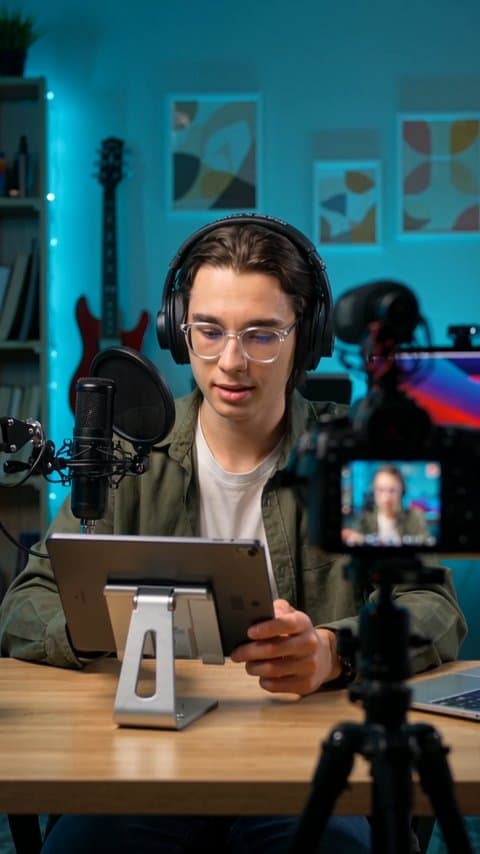
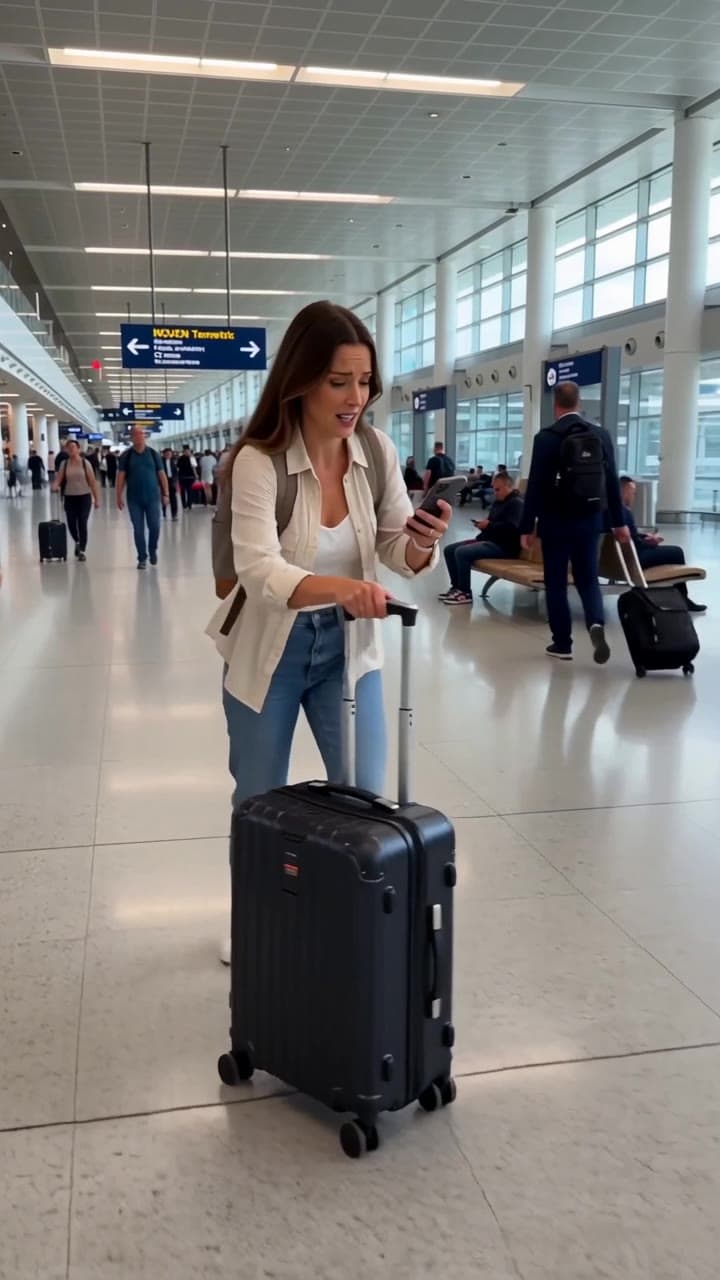
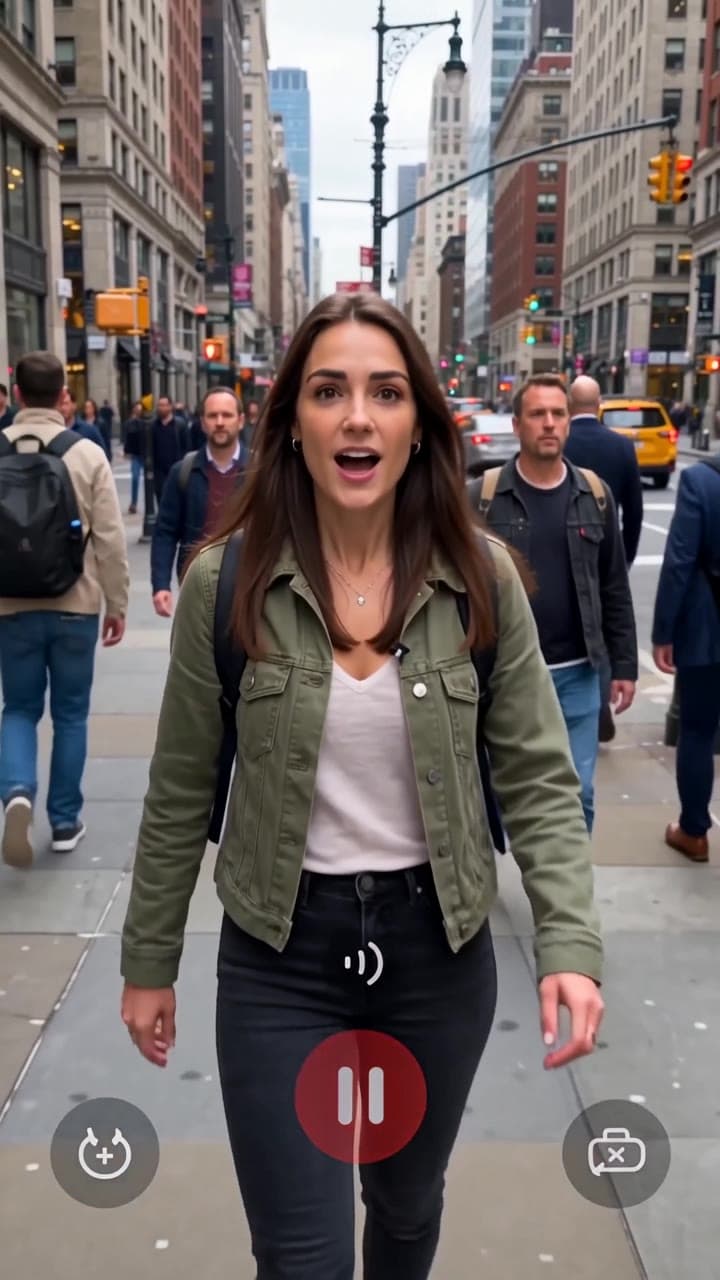
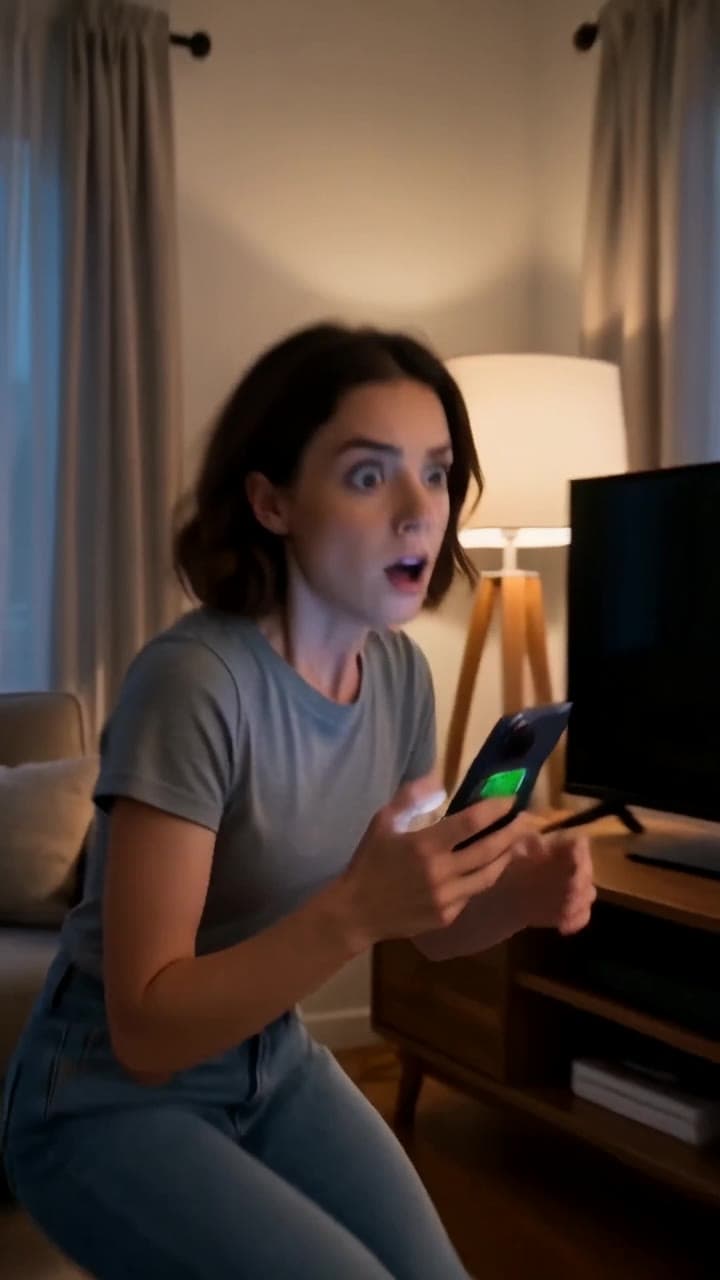
Every clip below was made in Wan 3.0 from a prompt you can copy and generate yourself.
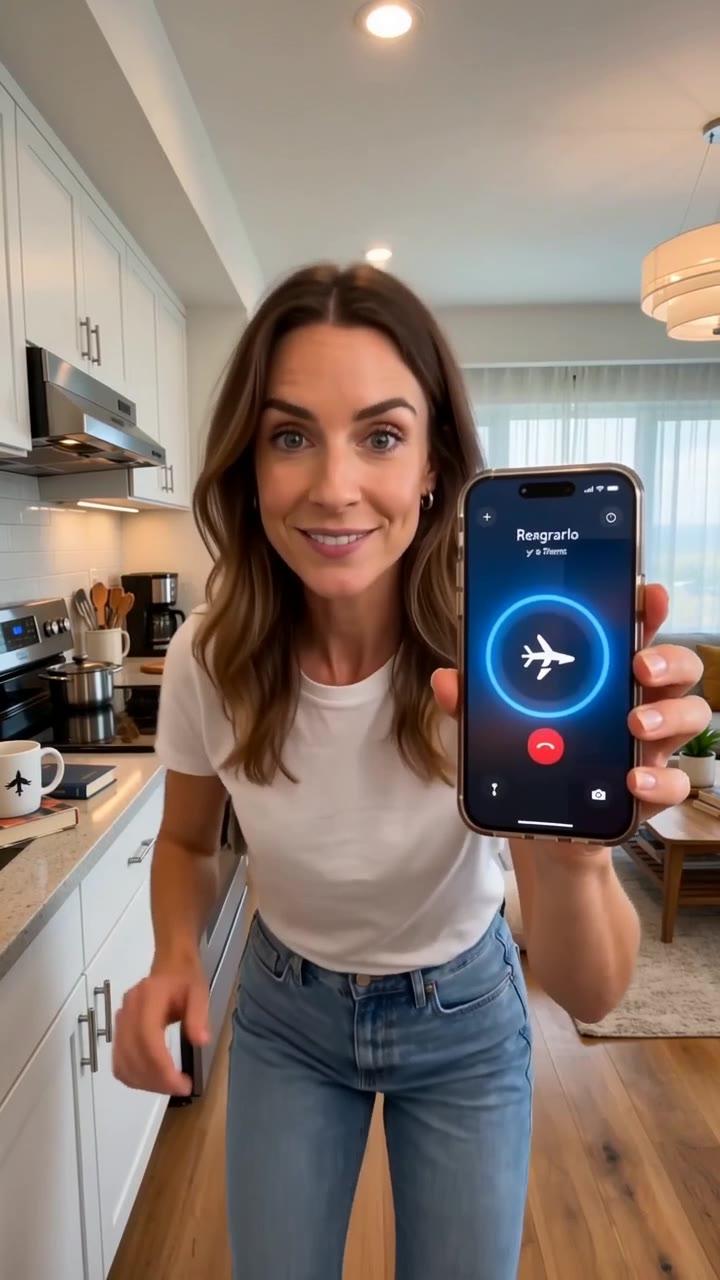
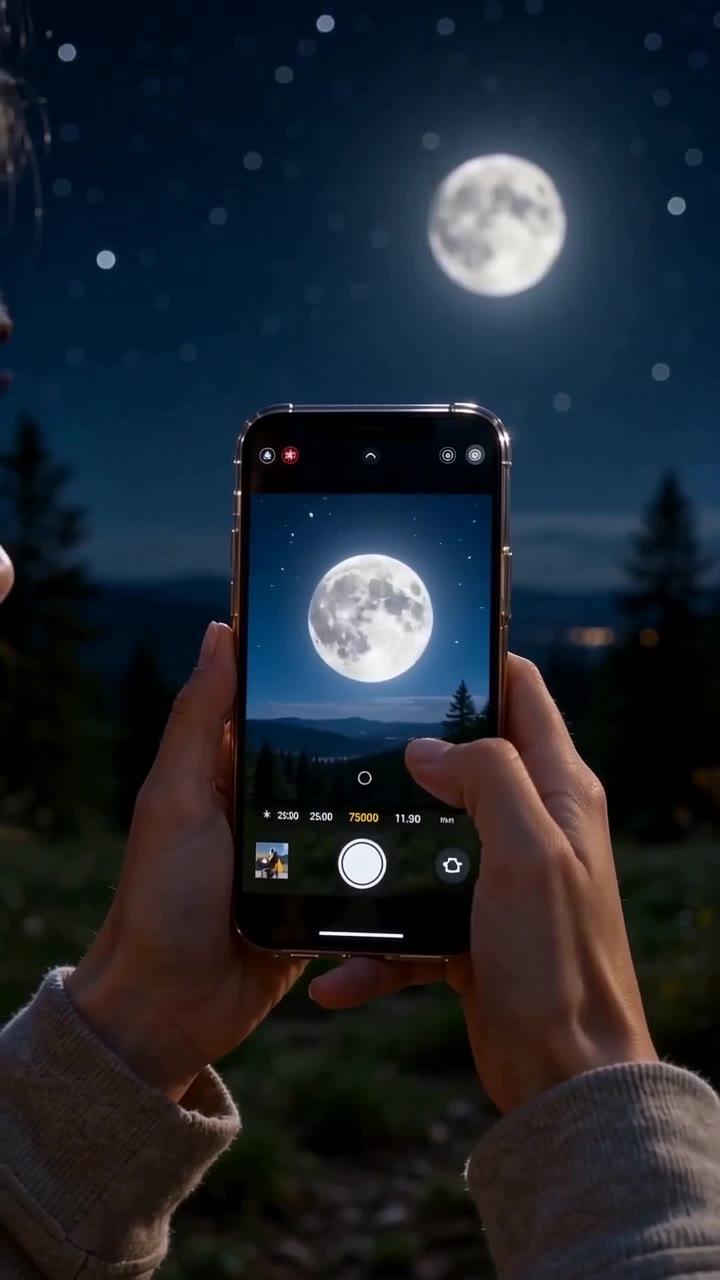
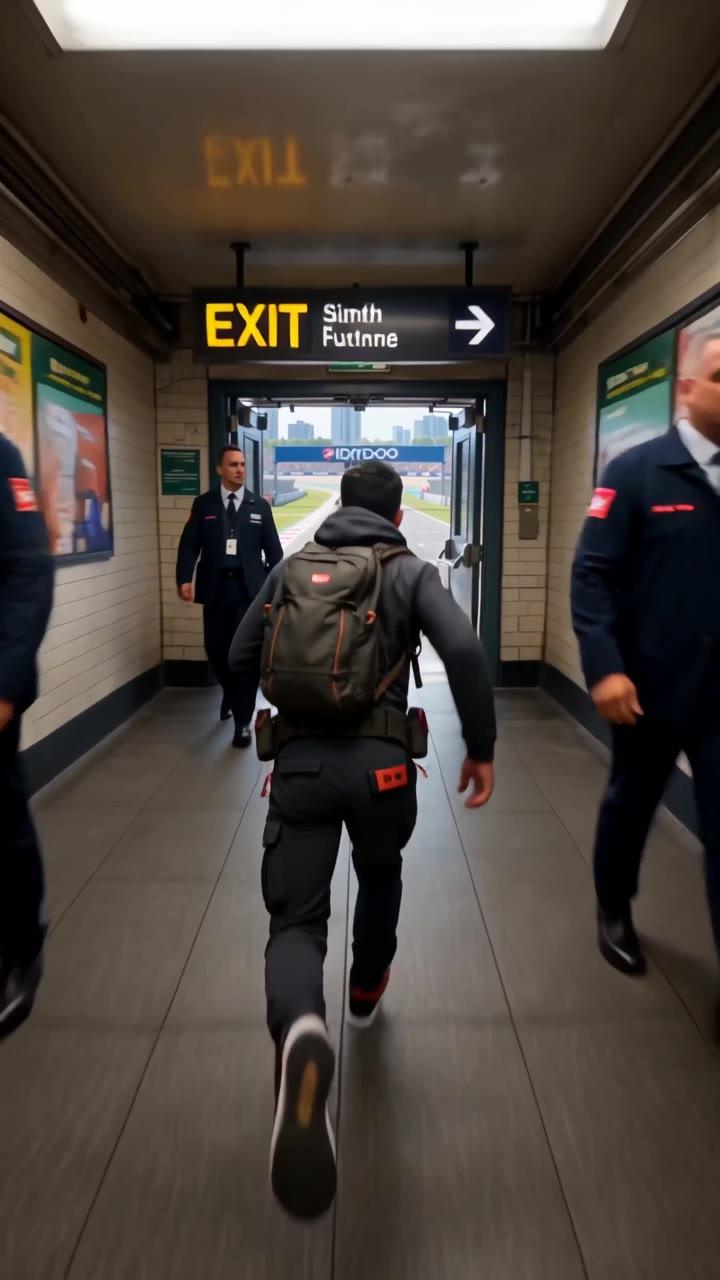
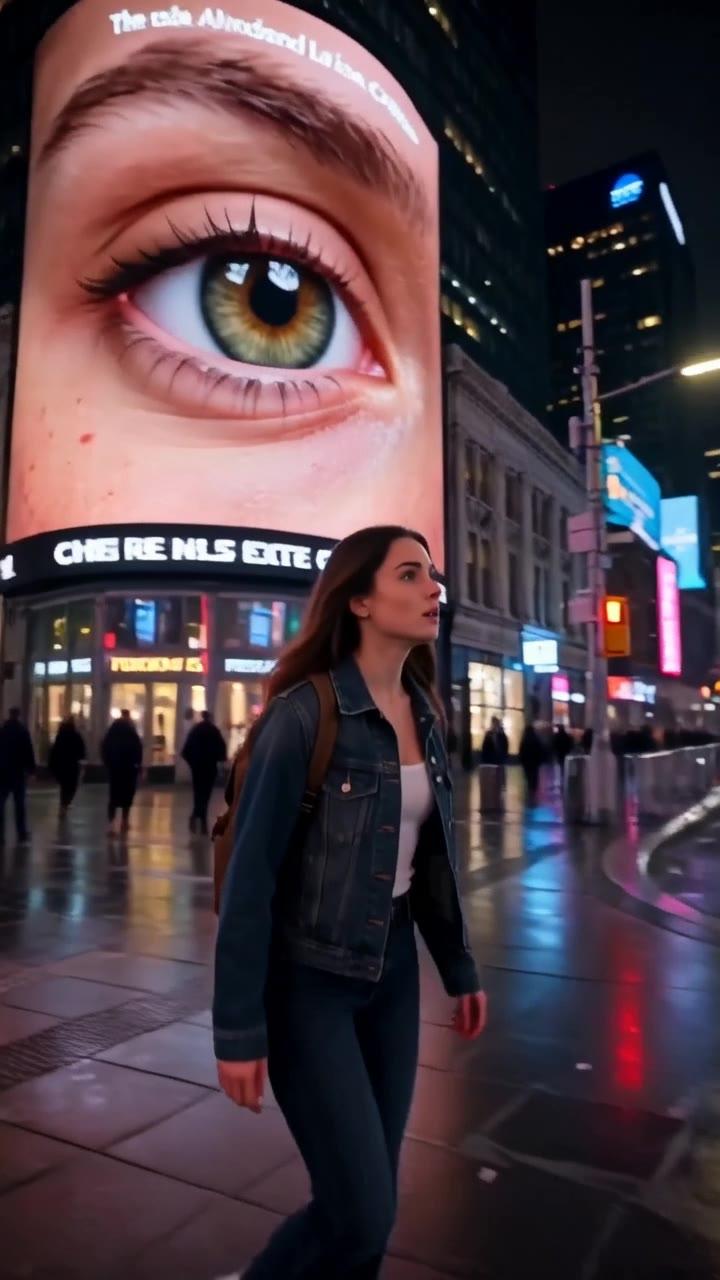
What you can make with the AI video generator
TikTok, Reels and Shorts
Vertical 9:16 clips with a strong first frame that stops the scroll.
Product videos and ads
Show a product in hand, on a desk or in a short UGC-style scene. The builder guides you through product photos and spoken lines.
Talking head
A short piece to camera: an announcement, a review or a how-to, with a person described in the prompt or taken from a photo.
Cinematic shots
Dramatic light, camera movement and action scenes for music videos, trailers and background footage.
How to write a good AI video prompt
A good prompt describes one scene, not a whole film. State in order: who or what is in the shot, what happens, how the camera moves, what the light is like and what sound is heard. Be specific and use the present tense. Instead of “a nice video about coffee”, write that steam rises from a cup on a wooden counter while the camera slowly pushes in from the side in warm morning light.
What the generator can do
- Clip length: from 2 to 30 seconds.
- Resolution: 480p, 720p, 1080p.
- Aspect ratio: 16:9, 9:16, 1:1, 4:3, 3:4.
- Sound: the model generates it together with the picture, with no separate tool.
How much AI video generation costs
You pay in credits for each second of the finished clip. The higher the resolution, the higher the rate. You always see the exact cost before generation starts.
| Clip length | 480p | 720p | 1080p |
|---|---|---|---|
| 5 s | 28 cr | 55 cr | 110 cr |
| 10 s | 55 cr | 110 cr | 220 cr |
| 15 s | 83 cr | 165 cr | 330 cr |
| 30 s | 165 cr | 330 cr | 660 cr |
Prices in credits (cr). When you add a reference video, up to 5 seconds of input footage are added to the cost.
Frequently asked questions
Is the AI video generator free?
The prompt library and the prompt builder are free and work without signing in. Generating video requires an account and uses credits.
How long can a generated video be?
A single clip lasts from 2 to 30 seconds.
What language should the prompt be in?
English prompts give the best results. The ready prompts in the library are in English, and the prompt builder assembles an English prompt from a form in your language.
Can I use my own photo?
Yes. In reference mode you add your own images or video, and the prompt describes what should happen in the shot.
Does the generated video have sound?
Yes. Wan 3.0 generates sound together with the picture: ambient noise, music and speech described in the prompt.
What happens if generation fails?
If a clip is not created because of an error on the system side, the credits return to your account.
Start from a ready prompt
Pick an example from the library, copy the prompt and generate your own version.